Sådan scanner du serienumre ind i et regneark
Den hurtigste måde at scanne serienumre ind i et regneark på er en telefonapp i kontinuerlig scanningstilstand: ret kameraet mod hver Code 128- eller Code 39-serienummerlabel, lad appen samle én række pr. aktiv, og eksportér derefter sessionen som en Excel- eller CSV-fil, og fjern dubletter i serienummerkolonnen. Serienumrene kommer fra labelsene, ikke fra tastaturet.
Problemet med de 200 bærbare
Serienummerrevisioner er der, hvor manuel indtastning for alvor bryder sammen. Et serienummer som 5CD1234XYZ er ikke et tal, du kan holde i hovedet, mens dine øjne bevæger sig fra label til tastatur — det er en tilfældig streng, og tilfældige strenge bliver tastet forkert. Ét forkert tegn, og den bærbare forsvinder reelt fra dine registre: garantiopslag fejler, aktivregistret påstår, at du ejer hardware, du ikke kan finde, og den revision, du lige har gennemført, mister sin troværdighed.
Stregkoden ved siden af det trykte serienummer findes netop for, at ingen nogensinde skal taste det. Hver scanning er en kopi af det, producenten har kodet, så der opstår ingen tastefejl.
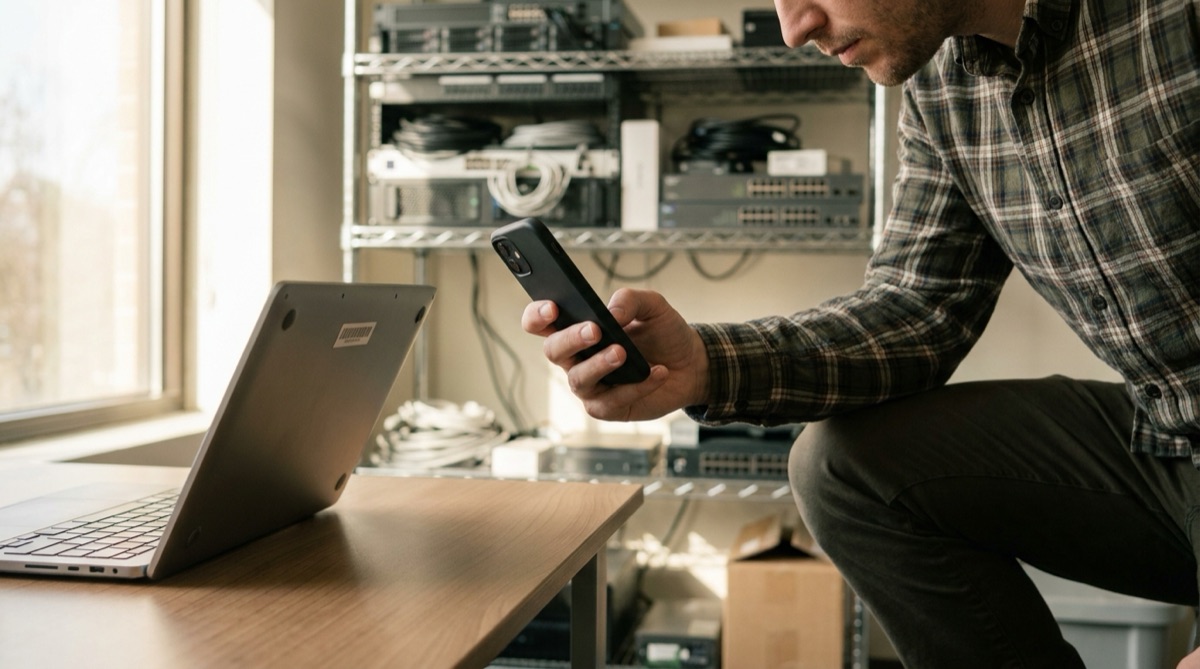
Kend dine labels: Code 128, Code 39 og de andre
Serienummerplader på IT-udstyr er overvejende Code 128 (kompakt, koder både bogstaver og cifre) eller den ældre Code 39. Nyere udstyr tilføjer i stigende grad en QR- eller Data Matrix-kode, der pakker serienummeret plus modeldata ind i en lille firkant. DataScan læser dem alle — 13 symbologier i alt — så blandede flåder fra forskellige producenter og årgange er ikke noget problem. Hvis en label bærer flere stregkoder side om side, så slå filtrering af stregkodetyper til, så scanneren kun accepterer den type, du reviderer, og vildfarne UPC-koder aldrig forurener dine data.
Trin for trin: serienummerrevision med din telefon
- Undersøg hvilken slags label du har Ret kameraet mod én repræsentativ label, før du planlægger revisionen. Hvis den afkodes (og det gør den næsten helt sikkert), ved du, at hele flåden kan scannes, og cirka hvor hurtigt du kan bevæge dig.
- Vælg den rigtige scanningstilstand Til ren hastighed — en reol med servere, en hylde med bærbare — skal du bruge Kontinuerlig scanning: sigt, bip, næste, med en tryk-og-hold-pause, når du har brug for at flytte rundt på udstyret. Når hvert aktiv også skal have en tilstandsnote eller en placering, skal du bruge Scanning af flere værdier, som knytter en note over flere linjer til hvert serienummer plus GPS-koordinater, når du trykker for dem.
- Opsæt eksportkolonnerne Omdøb stregkodekolonnens overskrift til Serienummer, vælg et ISO-datoformat, og vælg Excel- eller CSV-output. Den eksporterede fil kan derefter indsættes i dit aktivregister uden efterarbejde.
- Scan aktiverne rum for rum Ét rum, én reol eller én etage ad gangen, eksporteret før du starter på det næste, så hver fil dækker ét område, og det er nemt at kontrollere et område igen senere. Alt gemmes lokalt med tidsstempler, så serverrummet uden telefonsignal scannes præcis lige så godt som storrumskontoret.
- Eksportér, og fjern dubletter i Excel Eksportér hver session, flet dem i Excel, og ryd op i serienummerkolonnen: Data → Fjern dubletter til en hurtig omgang, eller en hjælpekolonne med
=COUNTIF(A:A,A2)>1, hvis du vil gennemgå gentagelser, før du sletter dem.
Praktiske tips til revision af serienumre
- Beslut reglen for dubletter, før du går i gang. Et gentaget serienummer skyldes som regel en dobbeltscanning — men indimellem er det to enheder med den samme label, og det er et fund, ikke støj. Markér først, slet bagefter.
- Registrér tilstanden, mens du er der. At gå tilbage for at tjekke, om aktiv 147 var det med det revnede låg, koster mere, end det tog at skrive noten. Tilstanden Scanning af flere værdier gør noten til en del af scanningen.
- Tidsstempler viser, hvornår du kontrollerede. Hver række registrerer, hvornår den blev scannet, hvilket besvarer "hvornår blev dette sidst verificeret?" uden nogen ekstra proces.
- Krydstjek mod registret, ikke kun ind i det. Efter scanningen afslører en VLOOKUP af de scannede serienumre mod din eksisterende aktivliste både spøgelser (i registret, ikke fundet) og forældreløse (fundet, aldrig registreret) — de to lister, du skal handle på.
Faldgrube: serienumre, der udelukkende består af cifre, kan blive forvansket af Excel til videnskabelig notation ved CSV-import. Eksportér som Excel (den gemmer hver celle som tekst), eller sæt serienummerkolonnen til Tekst ved importen — detaljerne finder du i vejledningen om scanning til Excel.
Afstemning af scanningen mod dit aktivregister
Scanningsfilen er halvdelen af revisionen; sammenligningen er den anden halvdel. Læg dit eksisterende register på ét ark og de sammenflettede scanningsresultater på et andet, og byg derefter to kontroller:
- Spøgelsesaktiver: slå hvert registreret serienummer op i scanningskolonnen fra registerarket —
=IF(ISNA(VLOOKUP(A2,Scans!A:A,1,FALSE)),"NOT FOUND",""). Rækker markeret NOT FOUND er hardware, dine registre påstår, du har, men som ingen har scannet: udfaset, stjålet eller liggende i en skuffe. - Forældreløse aktiver: det spejlvendte opslag fra scanningsarket ind i registret finder serienumre, du fysisk har, men aldrig har registreret — typisk direkte indkøb, der er sprunget over processen.
Begge lister er, med scanningstidsstemplerne, det, du har brug for til at opdatere registret. Vil du hellere fange uoverensstemmelser, mens du stadig står ved hylden, så importér registret i DataScan først, og brug Opslagsscanning, som viser, om et serienummer står i registret (scanningen registreres ikke) — den variant på stedet er dækket i verifikation af scanninger mod en produktdatabase.
Andre måder at gøre det på
En Bluetooth-scanner med tastaturemulering, der taster ind i Excel, fungerer ved en fast arbejdsplads, men en aktivrevision er et gående arbejde — du går hen til hardwaren og ikke omvendt. Virksomhedssuiter til aktivstyring med medfølgende scannere klarer det godt til virksomhedspriser og med tilsvarende opsætningstid; har du tusindvis af aktiver og et dedikeret team, er det en rimelig vej. For alle mellem "en skuffe med reservetelefoner" og "et datacenter" er en telefon plus et regneark den pragmatiske mellemvej: se eksemplet på arbejdsgang med IT-aktivstyring, eller start med det grundlæggende på DataScans forside.
Ofte stillede spørgsmål
Ja. Serienummerlabels på bærbare er næsten altid Code 128- eller Code 39-stregkoder, og DataScan læser begge med telefonens kamera.
Aktivlabels bærer ofte en serienummerstregkode, en varenummerstregkode og en UPC-kode side om side. I DataScan kan du filtrere, hvilke stregkodetyper der accepteres, og forhåndsvisningen på skærmen viser hver afkodet værdi, mens du scanner, så du opdager en forkert aflæsning med det samme.
Markér serienummerkolonnen i Excel, og brug Data > Fjern dubletter, eller tilføj =COUNTIF(A:A,A2)>1 i en hjælpekolonne for at markere gentagelser til gennemgang. Dubletter skyldes som regel en dobbeltscanning, men de kan også afsløre to aktiver med den samme label — værd at se på, før du sletter.
Ja. Tilstanden Scanning af flere værdier knytter en note over flere linjer (som "ridse i skærmen, batteri udskiftet 2025") til hver scanning plus GPS-koordinater, når du trykker på placeringsknappen, så det eksporterede regneark har serienummer, tilstand, placering og tidsstempel på én række.